Tracing an outline
For a flat object with an irregular outline (a gasket, a cover plate, a tool shadow, a broken
part to replace), a picture beats measuring it point by point. trace_outline (MCP) or
b123d-print trace (CLI) turns a flatbed scan or a photo on a grid into a 2D outline in
mm, with its holes, ready to paste into a part script. See
Measuring for the AI for how to take the picture.
How accurate it is
Be honest with yourself about the source:
| Source | Accuracy | Why |
|---|---|---|
| flatbed scan at a known DPI | about one pixel (0.08 mm at 300 dpi) | no lens and no perspective: the best source |
| photo square-on, object flat on a grid or beside a card | roughly 0.5–1 % of the size, more near the frame edges | lens distortion bends straight edges; any tilt is perspective; the scale only holds in the plane of the grid or card |
| photo at an angle | not usable for size | perspective changes the scale across the picture |
The tool reports the scale it used, the pixel size in mm and warnings it can see (grid cells that are not square, a reference whose sides disagree). Check one known dimension (a hole spacing, the overall length with calipers) against the trace before trusting it, and keep the values it gives as estimates in the script's comments.
Scale sources (give one)
| Source | Argument | How |
|---|---|---|
| scan resolution | dpi=600, or nothing |
a scanner writes its DPI into the PNG/TIFF/JPEG; without a value the tool reads it from the file (it refuses 72/96 dpi: a screen default, not a scan) |
| a grid or cutting mat | grid=10 (cell size in mm) |
the grid's repeat is measured over the whole picture; grid lines are cleaned away before tracing |
| a reference object | reference="card" or reference="100,50" |
a credit card (ISO/IEC 7810 ID-1, 85.60 × 53.98 mm) or any rectangle of known sides, lying beside the object |
| two points | points="x1,y1,x2,y2", distance=100 |
two pixels a known distance apart, e.g. ruler marks; pixel coordinates from the top left, as image viewers show them |
The pipeline
- Gray image, automatic (Otsu) threshold; the object is whichever side the image border is not
(
threshold=andinvert=override). Images over 4000 px are scaled down first. - An opening removes thin grid lines and specks; the largest object (not the reference card)
is traced, or the one under
pick="x,y". - Its contour at sub-pixel precision, with the inner contours as holes (smaller than 1 mm² are dust).
- Simplified (Ramer–Douglas–Peucker) to
tolerancemm (0.2 by default): few points, because dense polylines make slow builds.smooth=Truegives through-points for a periodic spline instead, for organic outlines (it rounds sharp corners).
What it writes
In the part's out/ folder (CLI: next to the image, or --out):
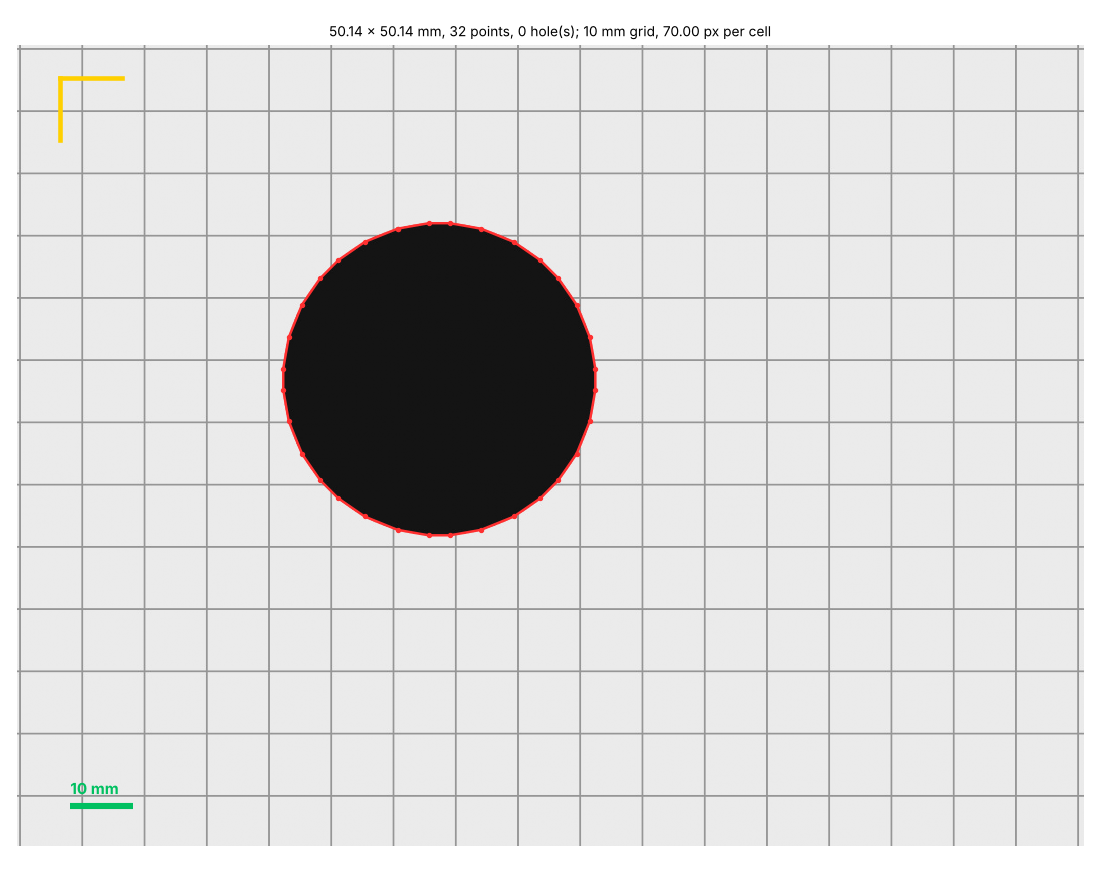
<image>_trace.png— the outline (red) and holes (blue) on the picture, the scale reference in yellow and a mm scale bar. Show it to the user and confirm before modeling.<image>_outline.json— the points (outline,holes), the scale and its source, size and area.<image>_outline.py— a snippet for the part script:
# traced: scan at 300 dpi (from the file), 0.08467 mm/px, tolerance 0.2 mm;
# size 80.09 x 50.04 mm, 4 points, 1 hole(s).
# Check a known dimension against the object before trusting it (photo scale is an estimate).
from build123d import Polyline, make_face

OUTLINE = [  # mm, +Y up, centered on the bounding box
    (39.92, 25.004), (-40.033, 24.892), (-39.92, -25.004), (40.033, -24.892),
]
OUTLINE_HOLES = [
    [
        (-11.472, -9.948), (-13.504, -9.426), (-16.674, -7.535), (-18.782, -4.911),
        ...
    ],
]


def outline_face():
    """The traced outline as a face on XY, holes cut; extrude(face, amount=...) for a part."""
    def loop(pts):
        return make_face(Polyline(*pts, close=True))
    face = loop(OUTLINE)
    for h in OUTLINE_HOLES:
        face -= loop(h)
    return face
The corners of that 80 × 50 mm rectangle land within about a pixel (0.1 mm) of where they were drawn: the accuracy of the scan, not of the CAD.
Paste the points into the script (they are measurements, so name them and say where they came
from), then extrude(outline_face(), amount=d.THICKNESS).
Example
$ b123d-print trace scan.png
traced 80.09 x 50.04 mm, area 3691.9 mm^2; scan at 300 dpi (from the file), 0.08467 mm/px (about +-0.085 mm from the pixels alone)
outline 4 points, 1 hole(s) [24]; 4024 points before simplifying to 0.2 mm
The sandbox
Tracing runs in the sandbox like every other job that parses an uploaded file,
and reads only the part's own reference files (parts/<part>/ref/, uploaded with
upload_reference). Images over 120 megapixels are refused.